Tab completions
Multi-line suggestions from your cursor, the file and your recent edits. Tab to accept, keep typing to ignore.
Features
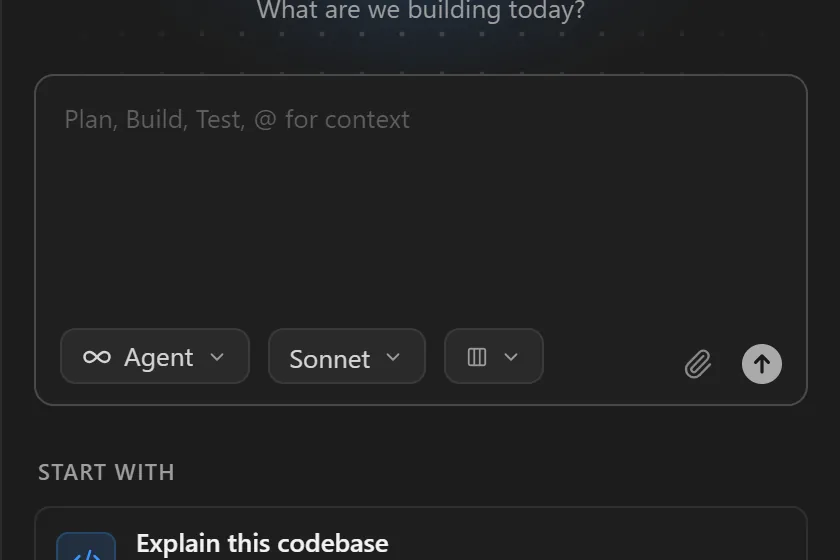
Quill puts AI in the places you already work: the line you are typing, the code you selected, and the task you would rather hand off, with any model you like.
Multi-line suggestions from your cursor, the file and your recent edits. Tab to accept, keep typing to ignore.
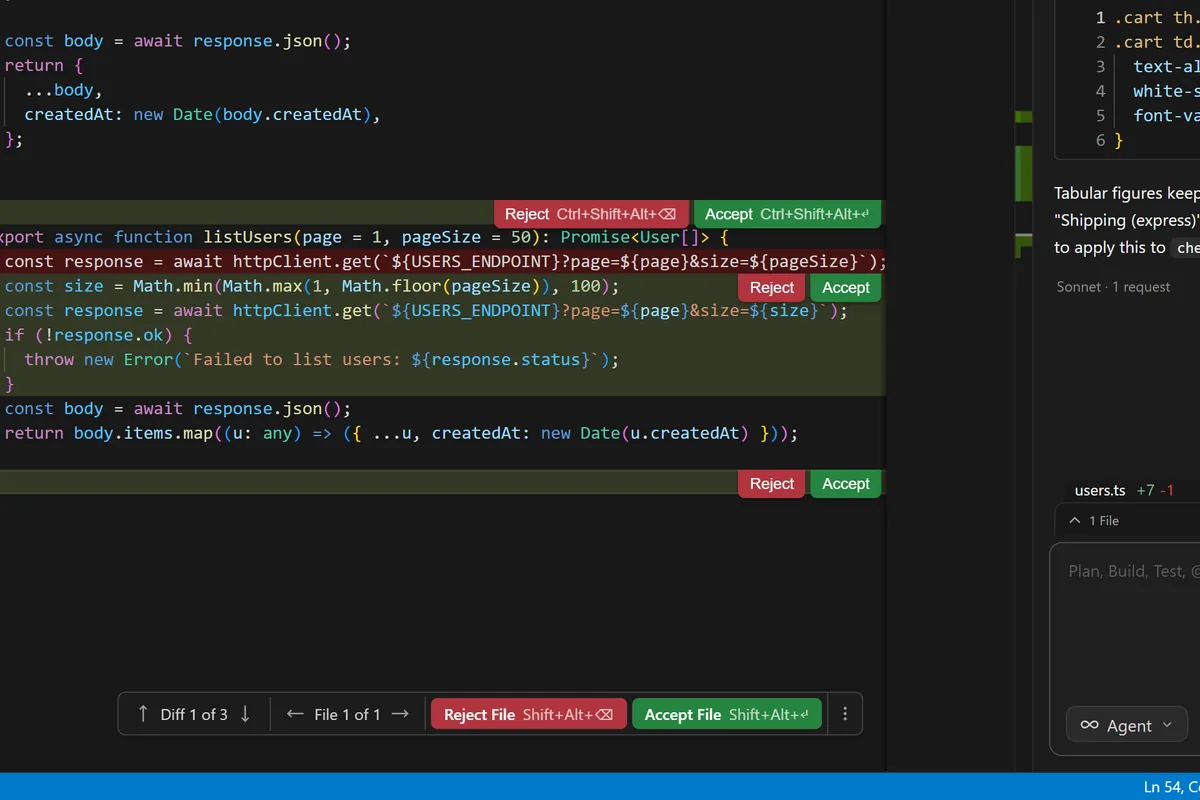
Select code, press Ctrl K and describe the change. Review it as an inline diff, accept per line or all at once.
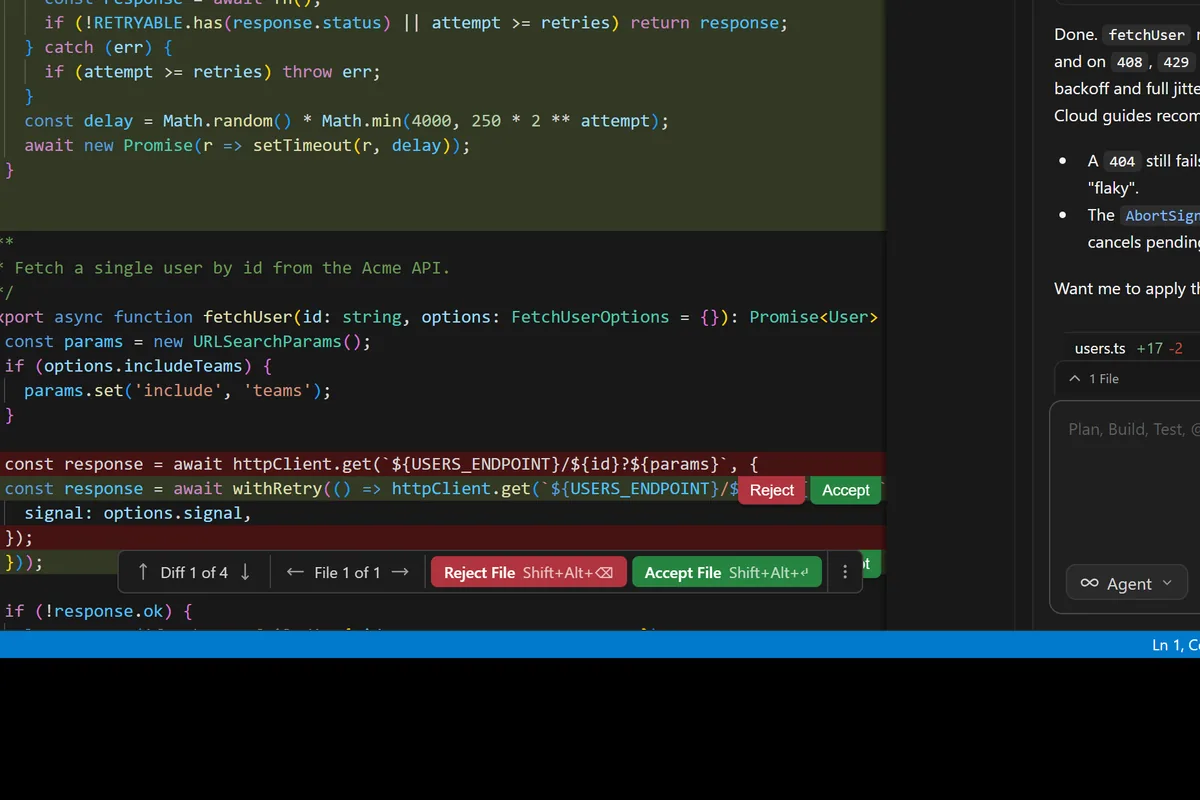
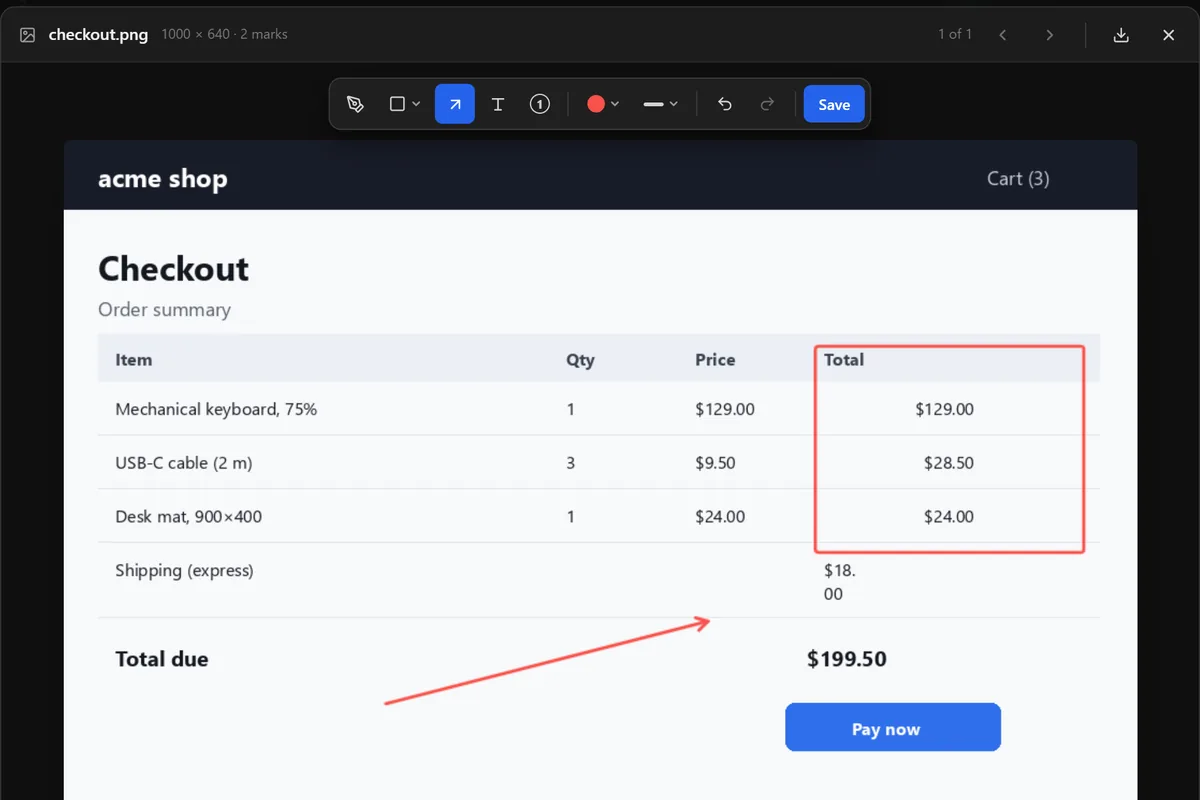
Every AI change lands as a diff. Nothing is written to disk until you say so: per file, per block or everything.
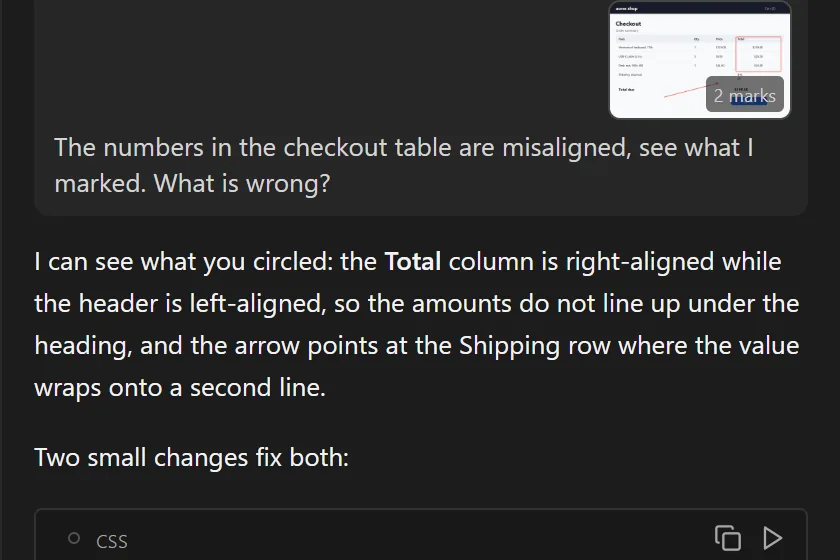
Open chat with Ctrl L. Quill sees the file you are in and the files you mention with @, so the answer uses your names, your types and your conventions.
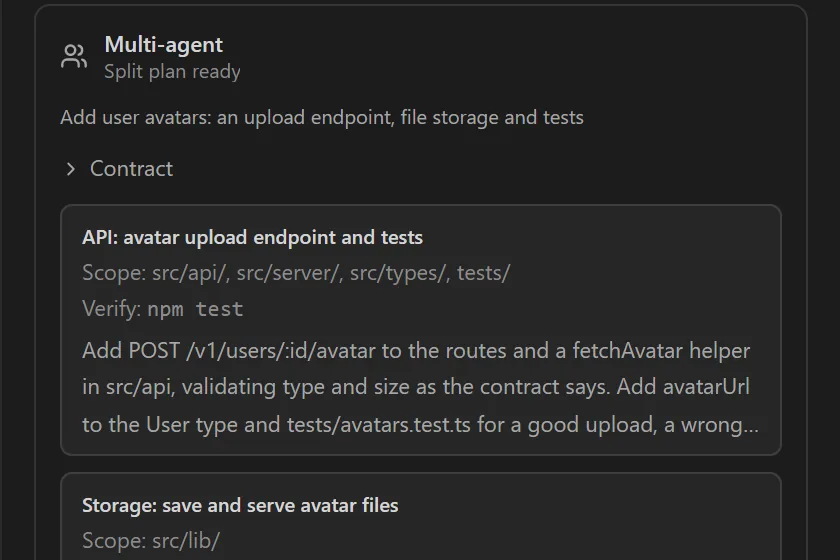
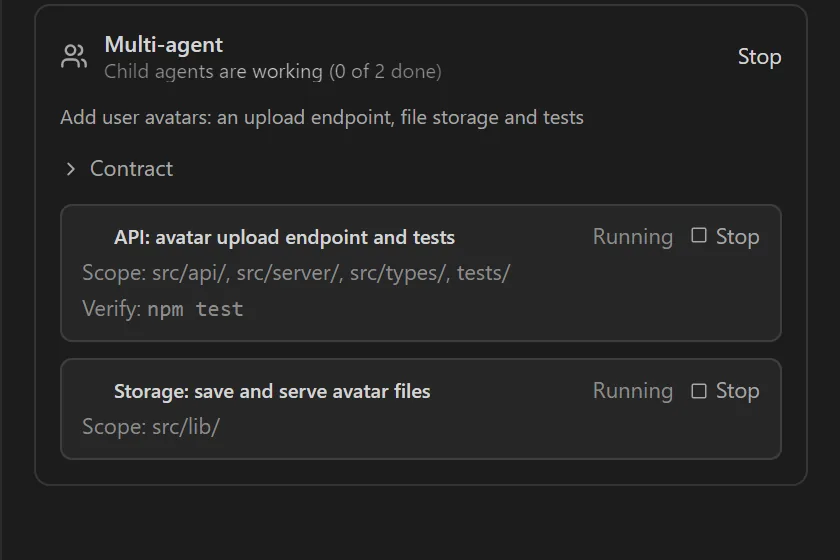
Give it a task. The agent reads, searches, edits across files and checks its own work before it reports back.
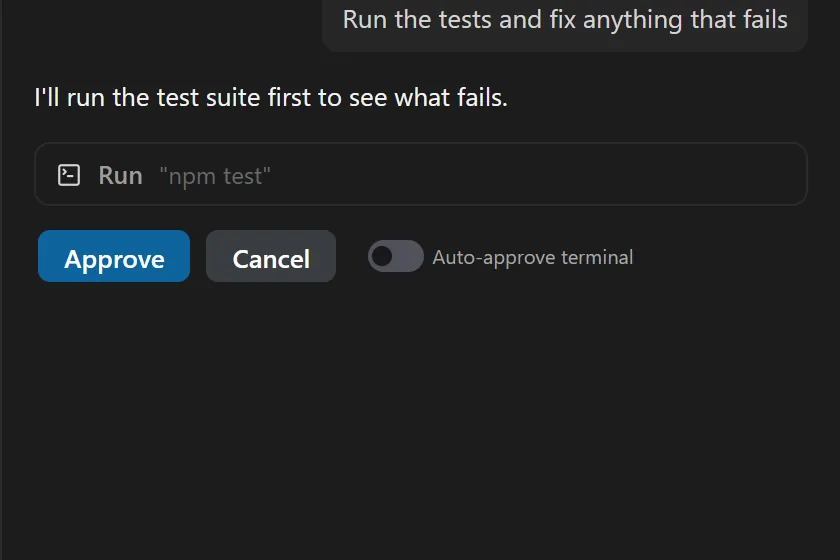
How agent mode worksRuns builds, tests and scripts in your terminal. Asks before anything risky; auto-approves the safe stuff if you let it.
After editing, the agent runs your verify command (tests, lint, build) and fixes what it broke. Pro
The agent can open your dev server, click through a flow and read console errors to debug UI. Pro
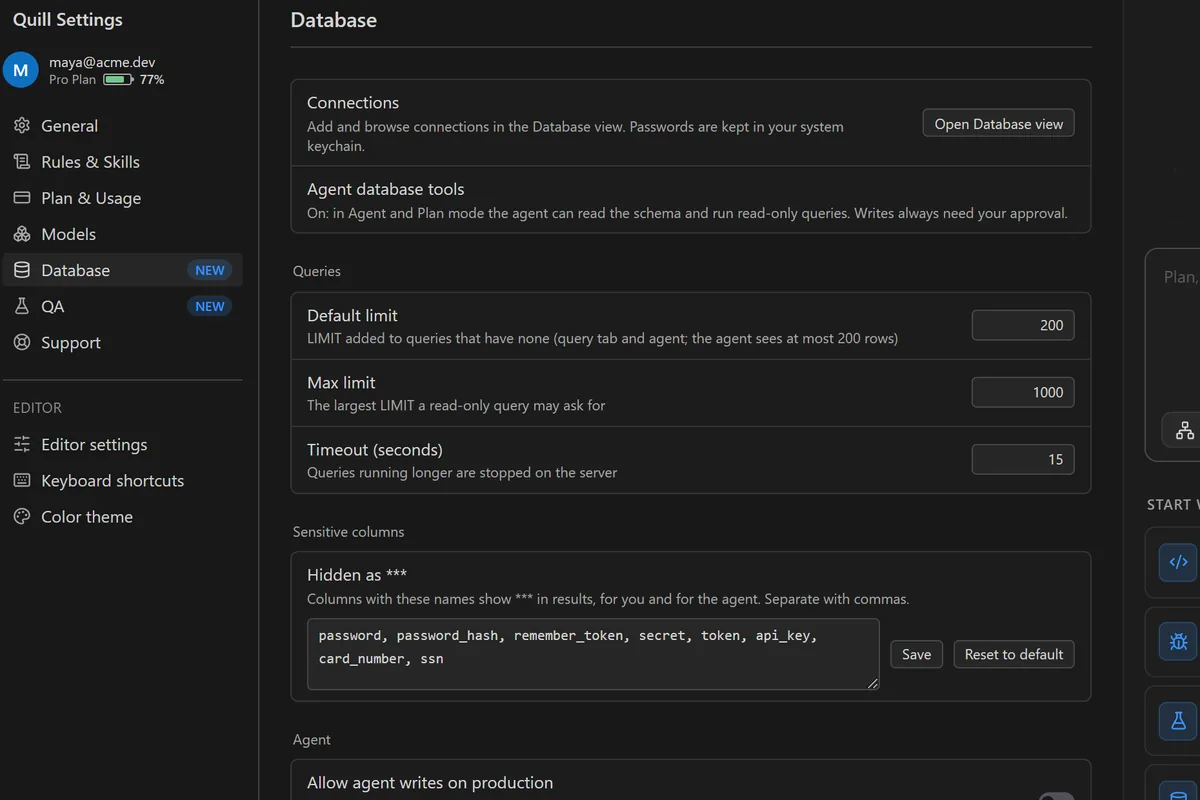
Connect databases, issue trackers and internal tools so the agent can act on them, not just talk about them. Pro
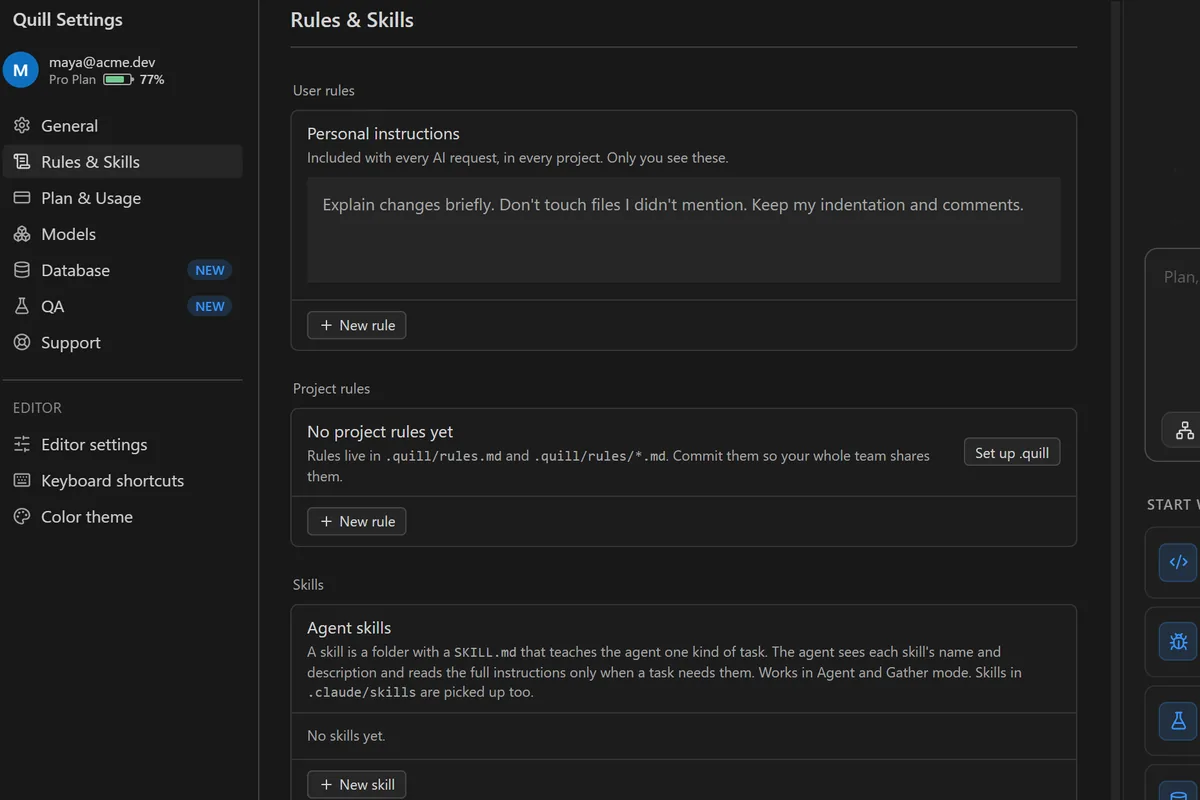
Tell Quill how your project works once in .quill/rules.md. Every chat and agent run follows it.
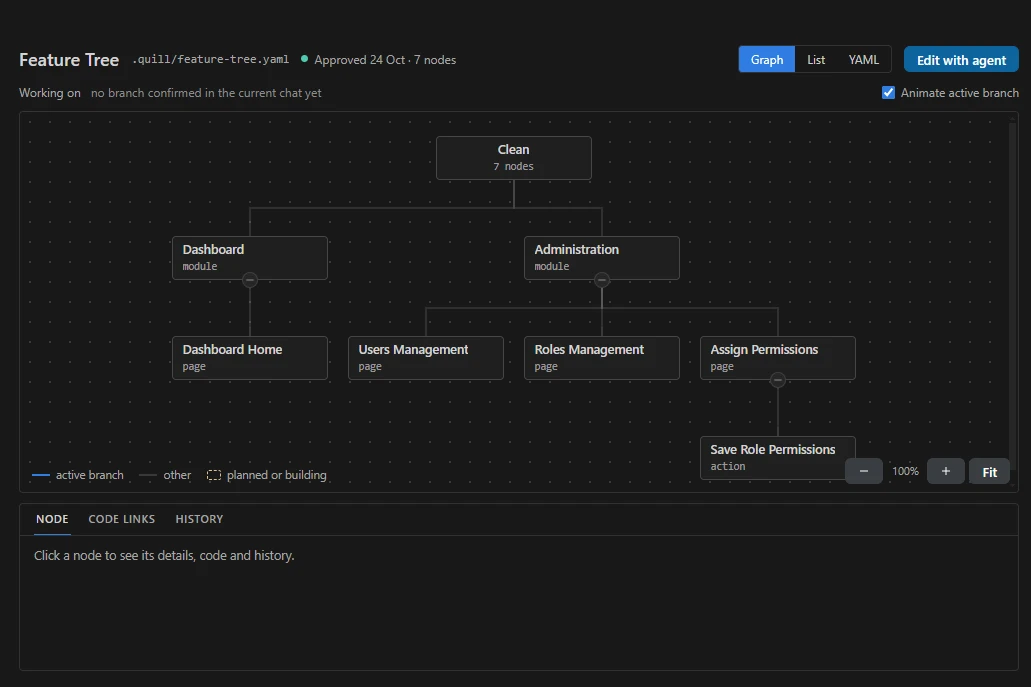
A map of your app by feature: modules, pages, actions and fields, kept in .quill/feature-tree.yaml next to your code. The agent reads it in every chat. Before it changes code, it names the branch it is about to work in and waits for you to confirm. When it is done, it proposes the tree changes as a diff you approve.
See the tree as a graph, a list or YAML, with the code links and history behind every node, and the branch the current chat is working on lit up.
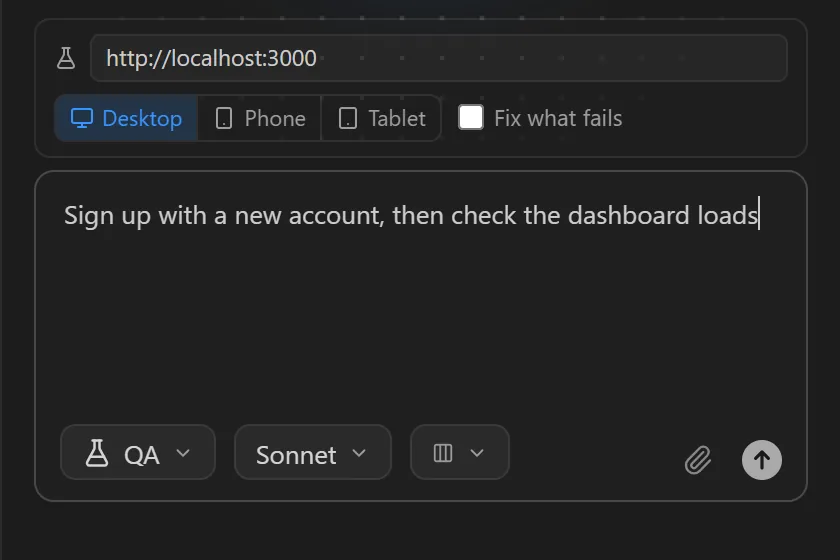
Pick QA mode, describe what to test in plain words, and Quill opens your app in its own browser. It clicks and types like a user, reads console errors and failed requests, and reports each step as pass or fail, with a screenshot when something breaks.
Test on a desktop, phone or tablet screen; on phone and tablet it also checks for cut-off text, overlaps and sideways scrolling. Turn on Fix what fails and it fixes the code and runs the same check again. The browser uses a fresh profile, so it never sees your own sign-ins.
Drag a chat into a folder to keep a feature's work together. Folders belong to the project, like its chats, so every project keeps its own.
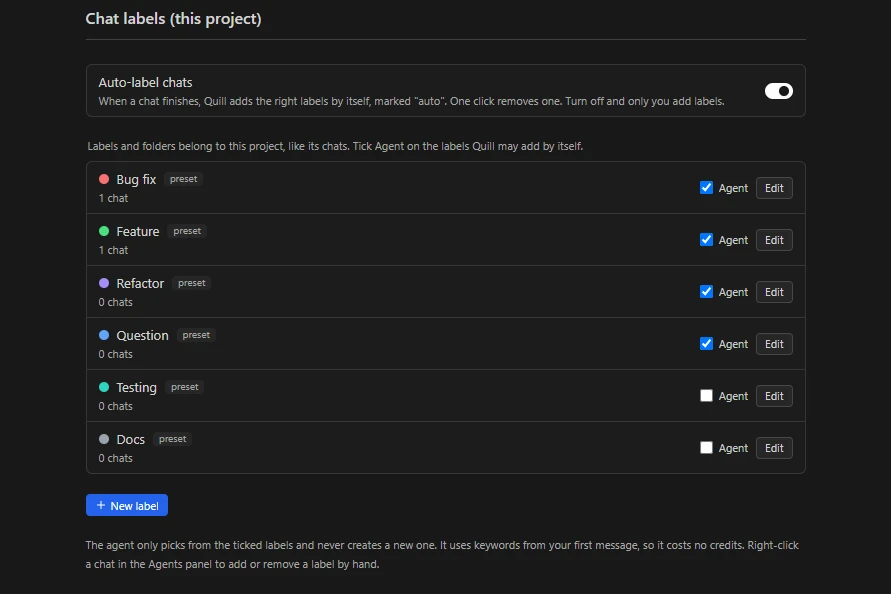
Bug fix, Feature, Refactor, Question, Testing and Docs come ready, or make your own. A chat can carry several labels; click one to filter the list.
When a chat finishes, Quill adds the right labels by itself, marked “auto”. It picks only from the labels you tick and reads keywords from your first message, so it costs no credits.
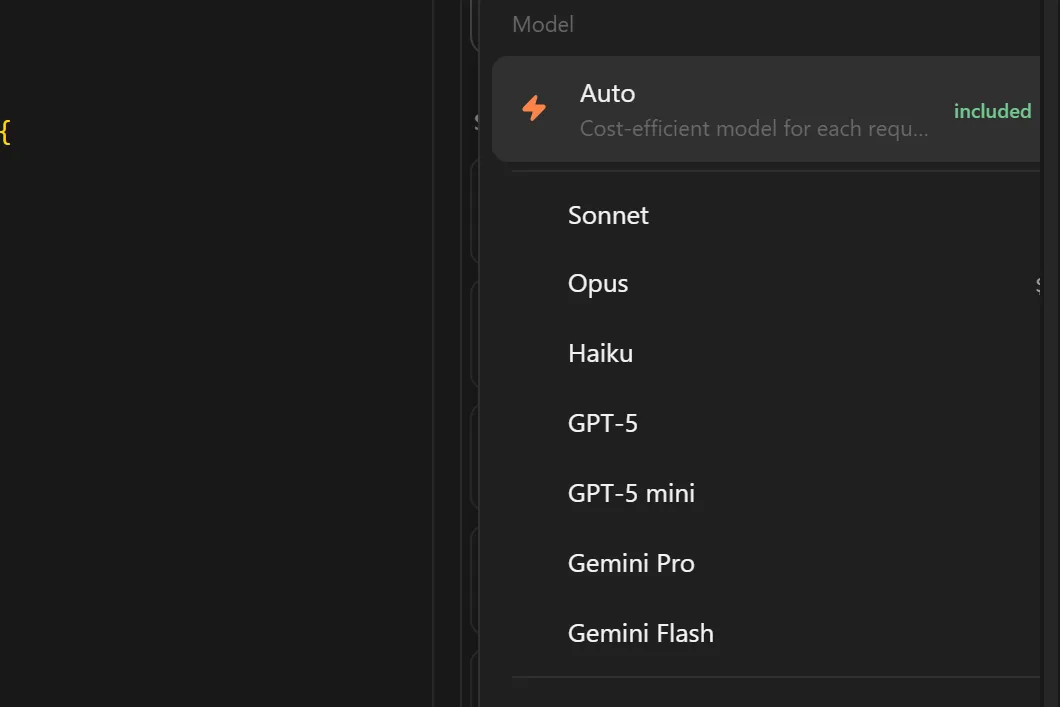
This is the part other editors won't give you. Pick the model for each job, see what it costs before you send, and bring your own keys or your Claude Code plan for free.
Claude, GPT, Gemini and Grok hosted by us. Anthropic, OpenAI and Gemini with your own keys. Llama and more locally through Ollama or LM Studio.
Model guideA fast, cheap model for completions. A strong reasoning model for the agent. Auto if you'd rather not think about it. The picker shows how capable each model is, from 1 to 5 dots.
Paste your Anthropic, OpenAI or Gemini key. Requests go from your machine straight to the provider and never count toward your plan.
Connect your keysLog in with your own Claude account and use your Claude Code subscription inside Quill's chat and agent. No markup, no extra seat.
Use your Claude Code planExtensions, themes, settings and keybindings import on first launch. Open VSX built in.
Keys stay on your machine. Local models keep everything offline. We log usage only, never code or messages.
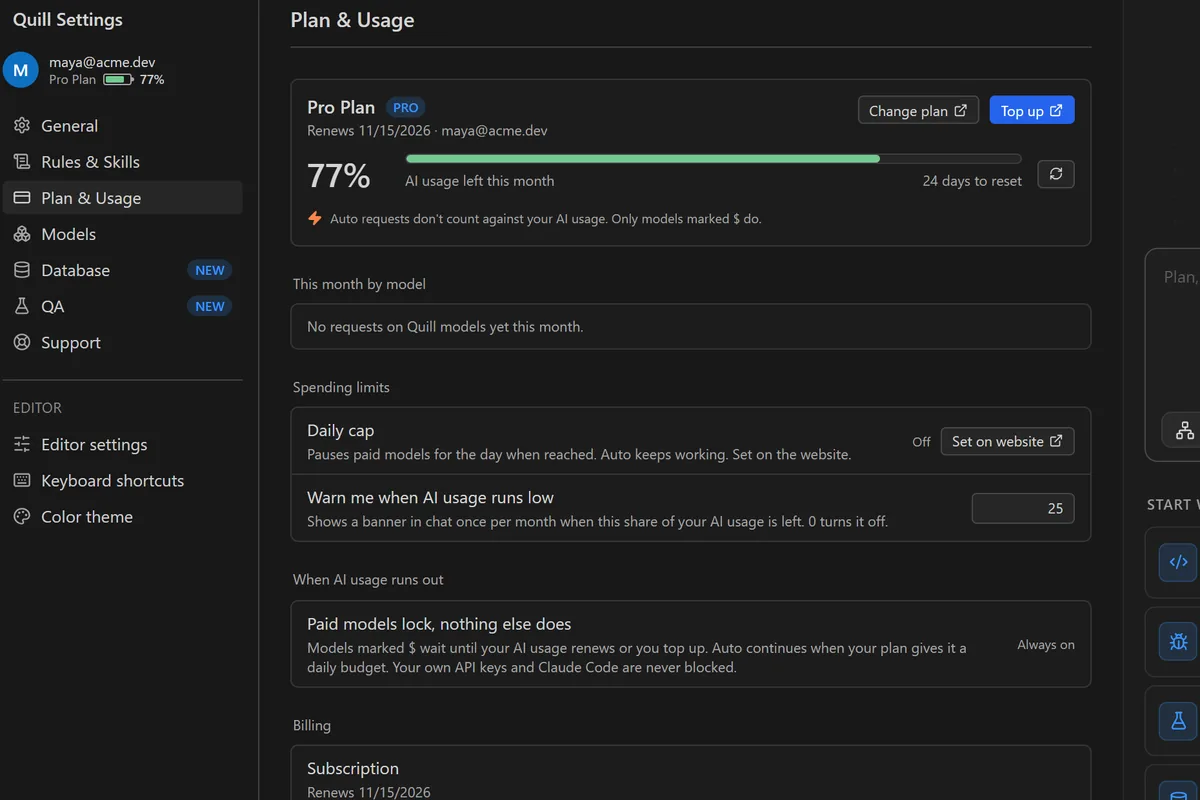
Plan and usage live inside the editor settings. Each reply shows the share of your plan it used, and the editor shows what is left as a percentage.
Quill pulls in the files that matter for the question, so answers fit your code and not a generic example.
Screens from Quill as it ships. No mockups.